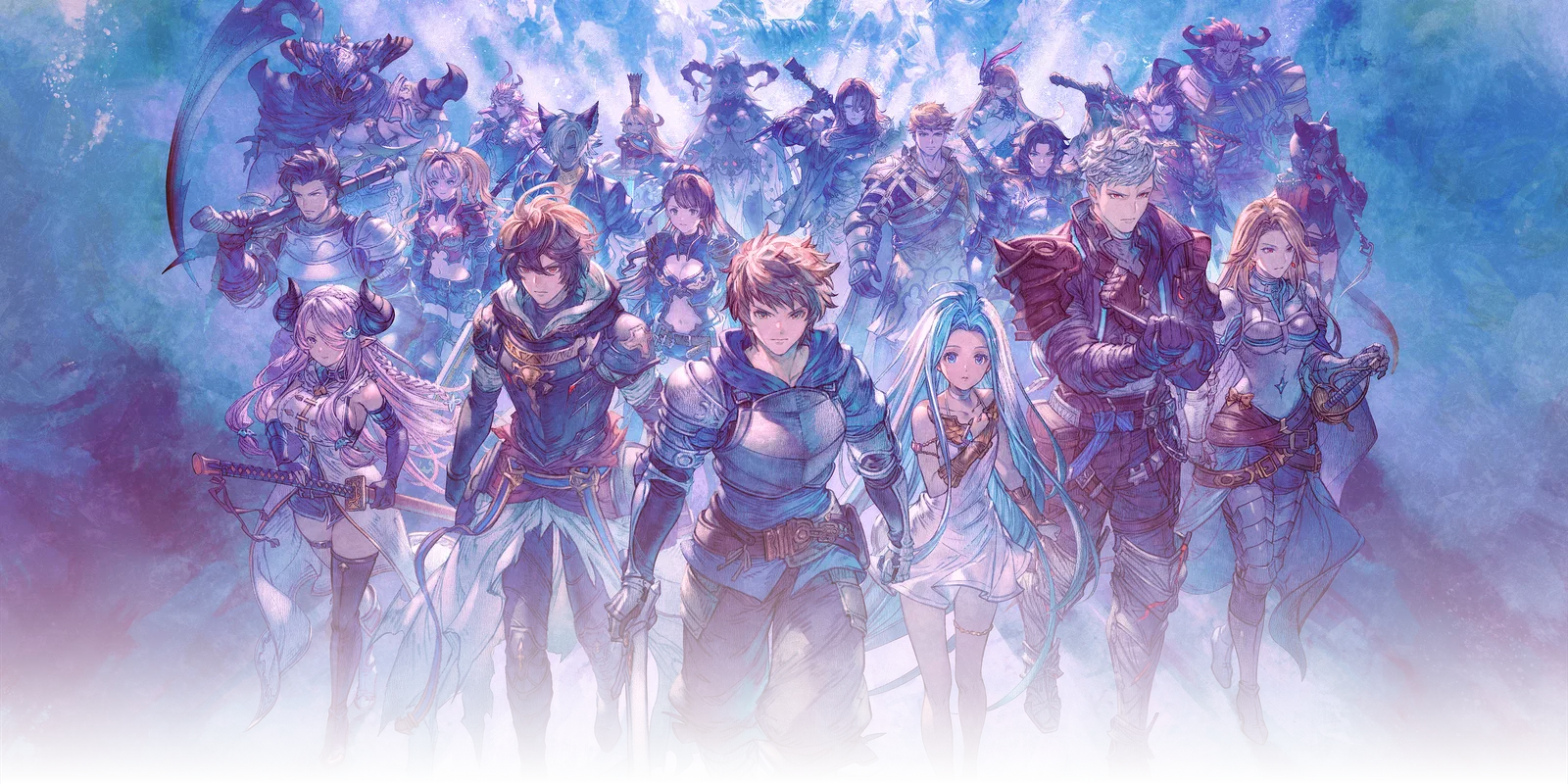

The release page has one job: make the launch window, platform list, and ownership rules plain before players spend money. Endless Ragnarok appears across Switch 2, PlayStation, and Steam, but each store displays time, edition, demo, and upgrade details in its own format. This page keeps those store facts separate from gameplay claims so readers can decide when to play, where to buy, and which product matches the copy of Relink they already own.
Release Window
PlayStation lists July 9, 2026 at 04:00 UTC. Steam lists the upgrade kit for July 8, 2026. The practical launch window is therefore July 8-9, 2026 depending on platform and region.
That date split is normal for global game launches: one storefront may display a local calendar date while another displays a UTC unlock. Players should check their own platform before making plans for co-op sessions. This wiki keeps both dates visible because hiding one would create confusion for Steam players who see July 8 and PlayStation players who see July 9.
For planning, treat the release as a regional unlock window rather than a single social-media date. A player in Asia, Europe, and North America may see different calendar labels even when the backend unlock is close together. The safest plan is to check the store page on the device or account that will install the game, then schedule downloads and co-op sessions around that local listing. If a storefront changes its displayed time near launch, the store page beats any older wiki copy.
Platforms
Platform support has two separate meanings. The first is where the game runs: Nintendo Switch 2, PlayStation 5, PlayStation 4, and Steam. The second is where the license lives. A Steam owner should not assume a PlayStation upgrade kit will attach to a Steam base game, and a PlayStation owner should not assume a Nintendo listing can upgrade their existing account. Cross-platform multiplayer improves matchmaking after everyone owns the right product; it does not merge storefront entitlements.
The platform choice also affects practical play. Console players may care about subscription requirements, local storage, controller preference, and whether friends already own the same ecosystem. PC players may care about Steam library ownership, hardware performance, and launch-day patch timing. The wiki should track those storefront-specific details after launch, but the pre-purchase rule stays simple: buy where the base game exists, or buy a bundle where the base game will live.
Ownership Rule
The upgrade kit is intended for players who already own Granblue Fantasy: Relink and must be used on the same platform. New players should buy an Endless Ragnarok edition that includes the base game and upgrade kit together.
Cross-platform multiplayer does not mean cross-platform ownership. If your base game is on Steam, buy the Steam upgrade kit. If your base game is on PlayStation, buy the PlayStation upgrade kit. Switch 2 players should use the Nintendo listing. The safe check is to open the store from the same account and platform library that owns Relink before purchase.
Players planning co-op should also separate "can play together" from "bought the same product." Crossplay helps matchmaking after purchase, but each store still controls downloads, preorder items, upgrade eligibility, refund windows, and regional release labels. Keep receipts and platform pages available until the account entitlement is visible in your library. That final library check is the easiest way to catch a wrong-region or wrong-platform purchase early.
The clean pre-launch checklist is therefore: confirm the platform where you own Relink, confirm whether you need a bundle or upgrade kit, check the store page for your local unlock time, and keep the demo or preorder bonus notes tied to that same account. After launch, the next items to verify are crossplay matchmaking behavior, save compatibility for upgrade buyers, and whether any platform receives a separate patch timing notice.
Storefront Checklist
Before purchase, open the listing from the target account and check five items in order. First, verify the product name: Standard Edition, Special Edition, Upgrade Kit Standard Edition, or Upgrade Kit Special Edition. Second, verify whether the product includes the base game or only the upgrade. Third, verify the platform label and any online-play requirement. Fourth, check whether a demo, preorder item, or campaign reward is tied to the same account. Fifth, keep the receipt until the entitlement appears in the library and the download can start.
This checklist is deliberately boring because most launch problems are boring. Players usually do not lose time because a system name is confusing; they lose time because they bought the upgrade in the wrong store, read a regional date as a universal date, or assumed crossplay also meant cross-buy. Keeping the purchase flow explicit makes the rest of the wiki more useful, because character and system pages only matter after the correct product is installed.
Post-Launch Updates
After launch, this page should be updated with three kinds of evidence. Storefront evidence covers live pricing, bundle contents, platform tags, and demo visibility. Player-account evidence covers whether upgrade buyers can enter the expansion cleanly from an existing save and whether demo rewards redeem as described. Network evidence covers cross-platform matchmaking behavior, party invites, and any region-specific service interruptions. Each update should name the platform and date so readers can tell whether a report applies to their copy.
Patch notes and storefront edits should be handled separately. A patch can change matchmaking, quest access, or reward behavior without changing which product a new buyer should choose. A store edit can change price, bundle wording, or regional availability without changing combat systems. Keeping those update types separate lets the release page stay useful for both buyers and active players. If the same report affects both groups, split it into purchase impact and gameplay impact.